Most founders we talk to now spend a good part of their day inside an AI assistant. They draft in it, plan in it and, more and more, run their business from it. Clemta MCP brings your Clemta data into that assistant. Connect Claude, Cursor or any MCP client, ask a question, and get a one-line answer from your live Clemta data instead of clicking through three dashboard screens.
Who it is for

- Founders who live in their AI assistant. Ask about invoices, orders and contacts without leaving the chat you already have open.
- Teams running operations with agents. Give Cursor and other agents access to the records they need, scoped to your own account.
- Founders running more than one company. See every company, its status and its open orders from one chat.
- Anyone who would rather ask than click. Ask once and get the answer straight away.
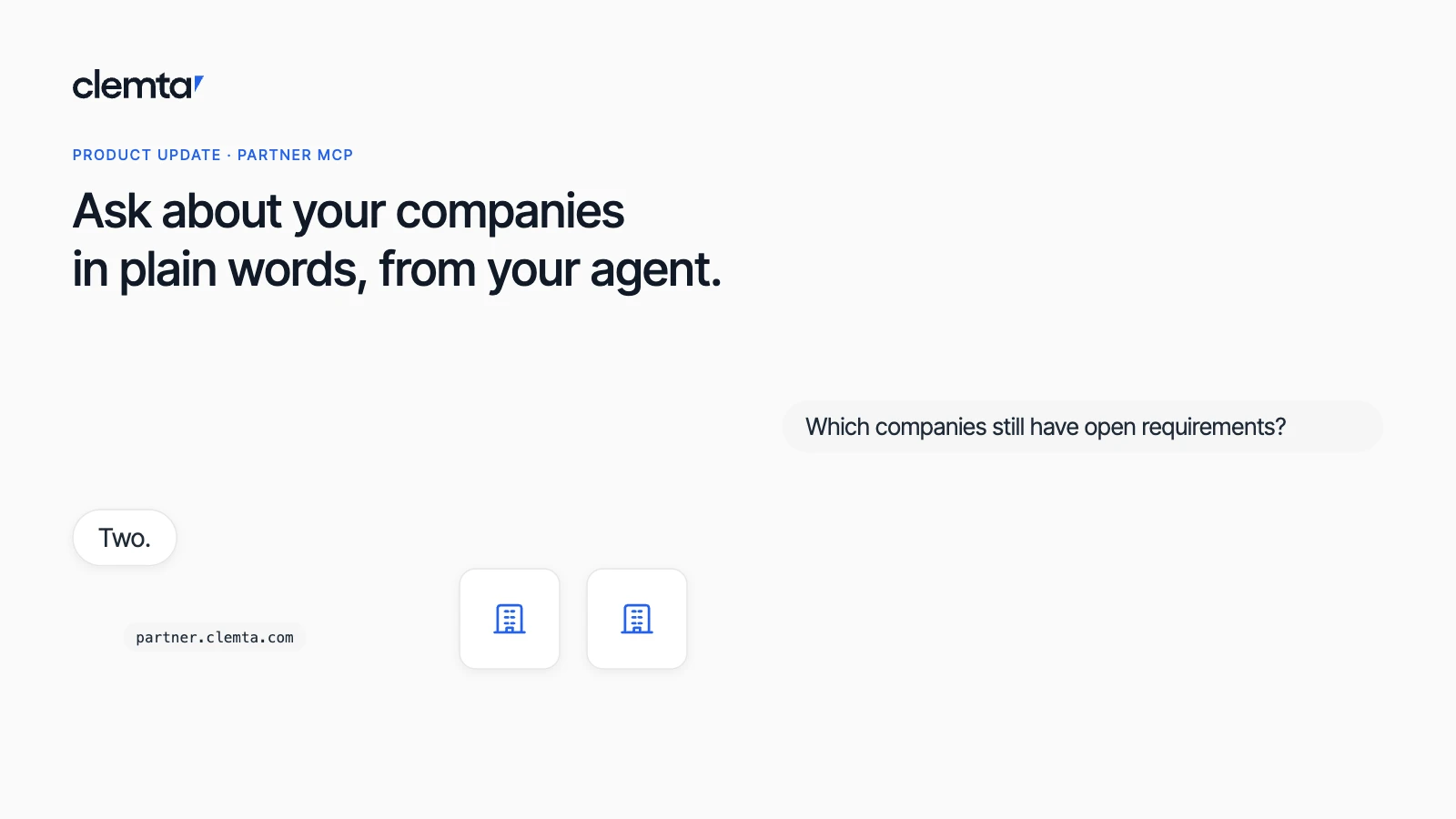
Running operations for a Whitelabel partner? You have a separate server, the Partner MCP server, which reads your partner account rather than a single founder's companies. We cover it in its own post.
What you can ask

MCP, the Model Context Protocol, is an open standard that lets AI assistants connect to the tools and data you use. Clemta runs an MCP server, so any client that speaks the protocol can read your Clemta data and prepare drafts on your behalf. A few of the questions it answers today:
- Which invoices are still unpaid this month?
- Where is my EIN application?
- List my companies with their state, entity type and formation date.
- Which credit notes still have a balance I can apply?
- Draft an invoice to Acme for 20 hours of consulting at $150 an hour.
- Add Jane Doe at Globex as a billing contact.
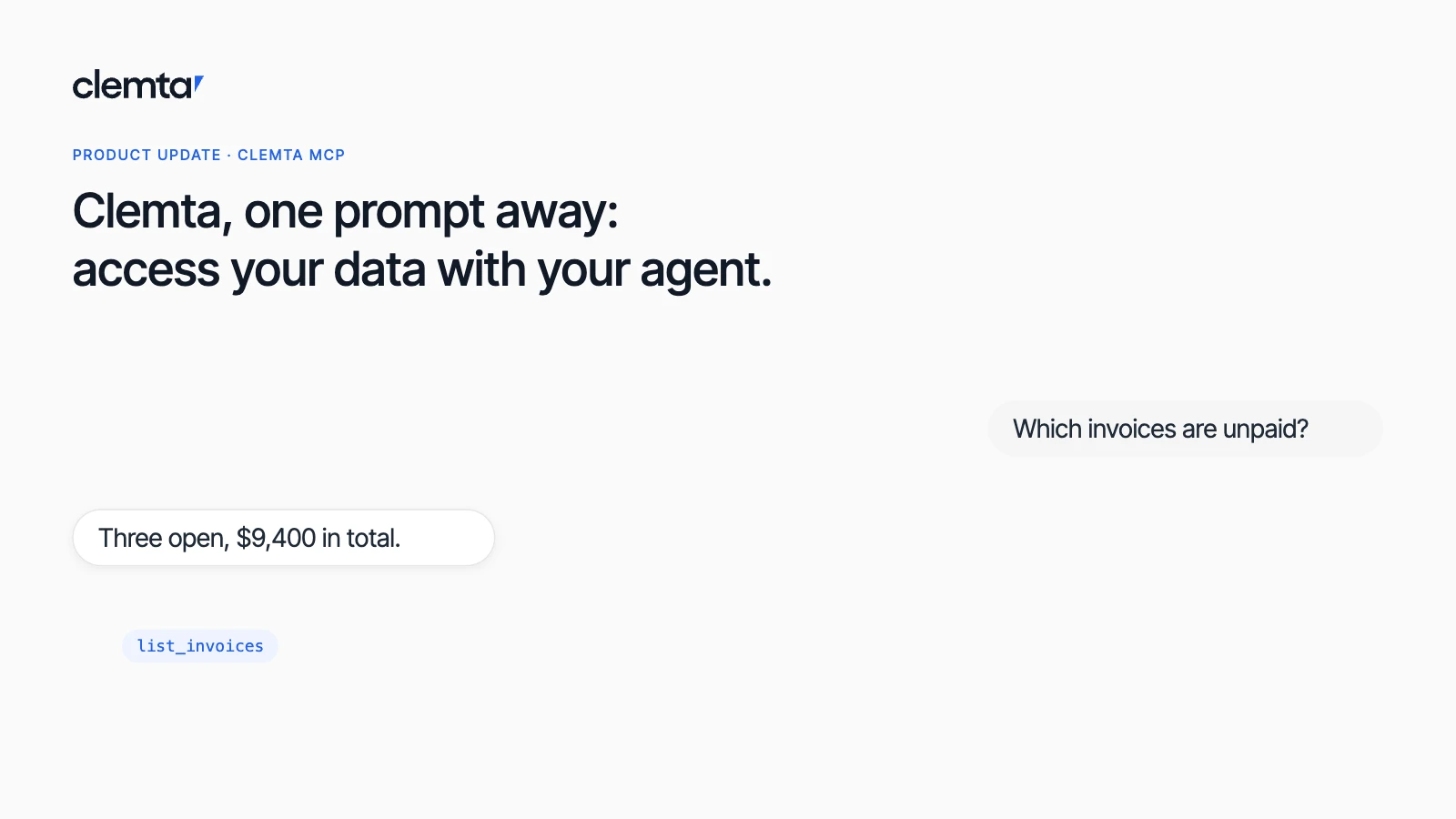
Your assistant picks the right tool, calls it with your own access and answers in plain words. Ask about unpaid invoices and it calls list_invoices and tells you that three invoices are open for Acme Trading LLC, worth $9,400 in total, and that the oldest has been due since October 2. Ask it to draft an invoice and it saves a draft in Clemta. Nothing goes out until you send it.
Six parts of your company, one question away
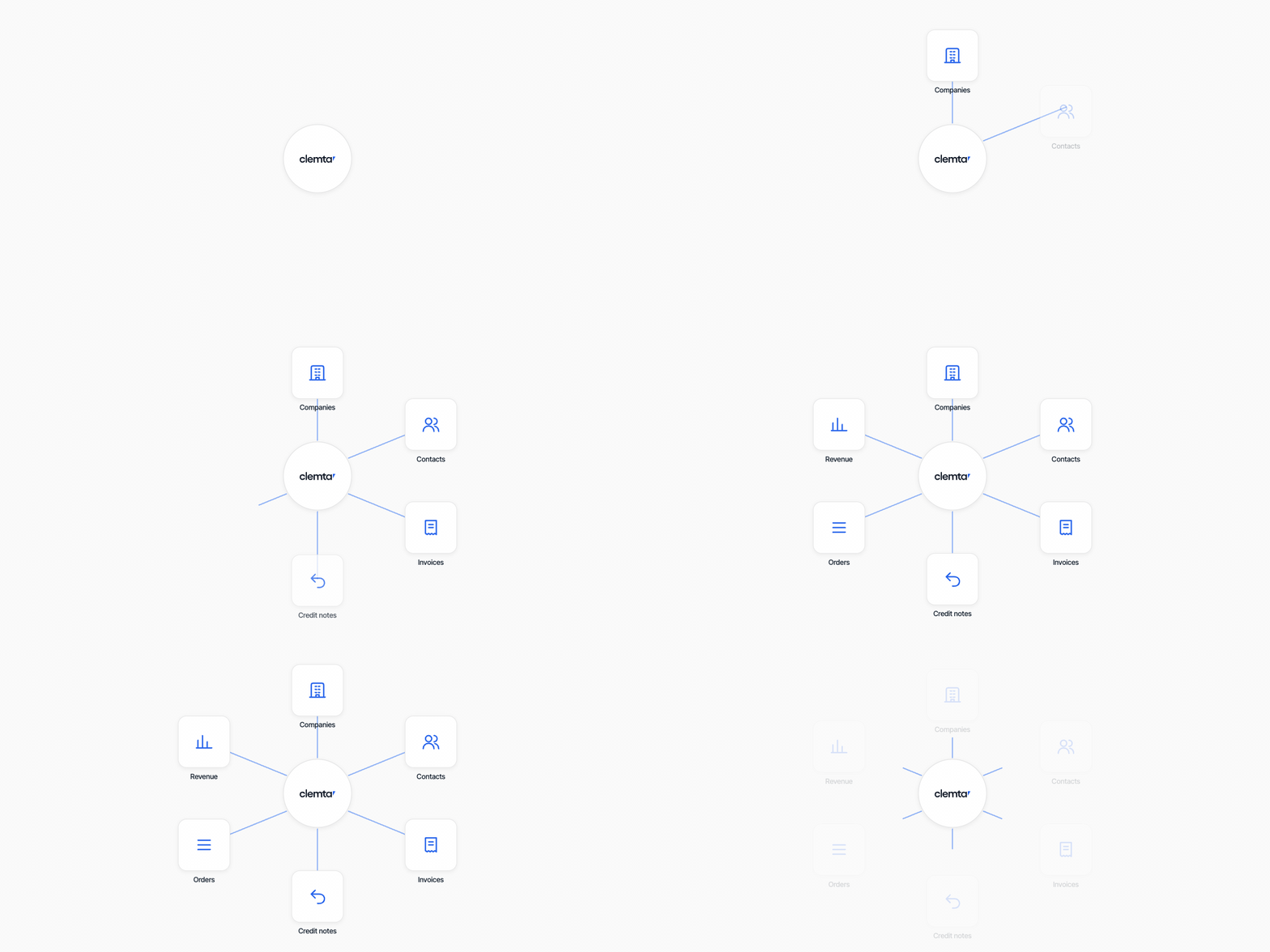
Each area is a small set of documented tools. Read tools answer questions. Write tools create drafts and records, never payments.
Area | What your assistant can see or do |
|---|---|
Companies | Every company you run, with its entity type, state, EIN, status and plan. |
Contacts | The people you invoice, with search, and the ability to add a new one. |
Invoices | Open, paid and draft invoices with their line items, plus drafts your assistant prepares for you to review and send. |
Credit notes | Balances you can still apply. |
Service orders | Every order, and whether it's waiting on you or on Clemta. |
Revenue accounts | Where each line is booked, so drafts land in the right place. |
You stay in control

MCP gives your assistant a seat at the table, not the keys to the company.
- Your access sets the limits. The assistant sees only what your own Clemta access allows: your companies, and nothing beyond them.
- Drafts only. Your assistant can draft an invoice but can't issue it. You review and send it in Clemta.
- It can't move money. No MCP tool can pay, charge or buy. Purchases only happen through Clemta checkout.
- No training on your data. Clemta doesn't use your data to train AI models. It shares data only with the client you connected, and only when that client requests it. What your assistant does with those answers is governed by that assistant's own terms.
How it works
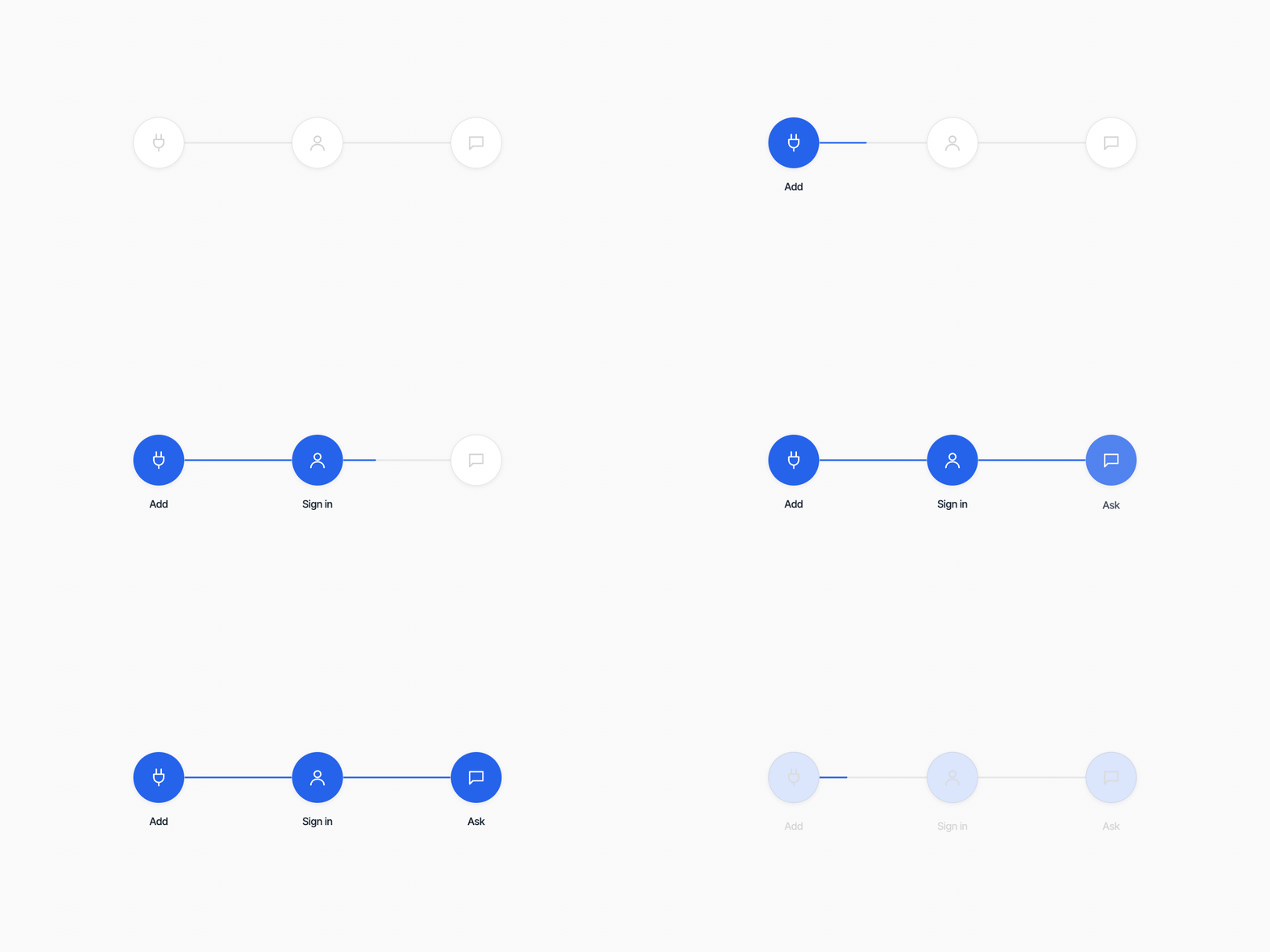
Three steps in any MCP client:
- Add Clemta to your MCP client. In Claude Code, it's a single command:
claude mcp add --transport http --scope user clemta https://mcp.clemta.com - Sign in as yourself. The first time your client connects, it opens Clemta in your browser and you sign in with your own account. Your assistant sees what you can see in Clemta, and nothing more. There is no API key to copy or keep safe.
- Ask in plain words. Your assistant picks the right tools and answers from your live data.
In Claude.ai and Claude Desktop, add a custom connector with the same address under Settings and Connectors. In Cursor, add it to your mcp.json. The MCP setup guide walks through each client.
Clem or MCP?

Clem is the AI inside Clemta. It keeps your books, categorizes transactions and answers questions in the app. MCP brings your Clemta data into the assistant you already use. Most founders end up with both.

Bring Clemta to your assistant
Connect Claude, Cursor or any MCP client to your Clemta account in a few minutes.

Yasmin Çınar
Product Manager at Clemta