Partners on the Whitelabel Program run their operations on the Partner API: companies, orders, filings and invoices, all behind one key. But the questions an operations team asks day to day aren't API calls: Which companies are still waiting on a document? Why didn't our endpoint receive an event yesterday? The Partner MCP server answers them. Connect Claude, Cursor or any MCP client to the partner dashboard and ask about your companies.
What you can ask

The server lets an agent read your partner account. Your team asks a question, and the agent answers from the same objects the Partner API serves:
- Which companies are still waiting on a document?
- What stage is the EIN order for Acme Trading LLC at?
- What would a Delaware LLC with an EIN and a registered agent cost us?
- Why didn't our endpoint receive
company.incorporatedyesterday? - What's the total on the March statement, and which companies are behind it?
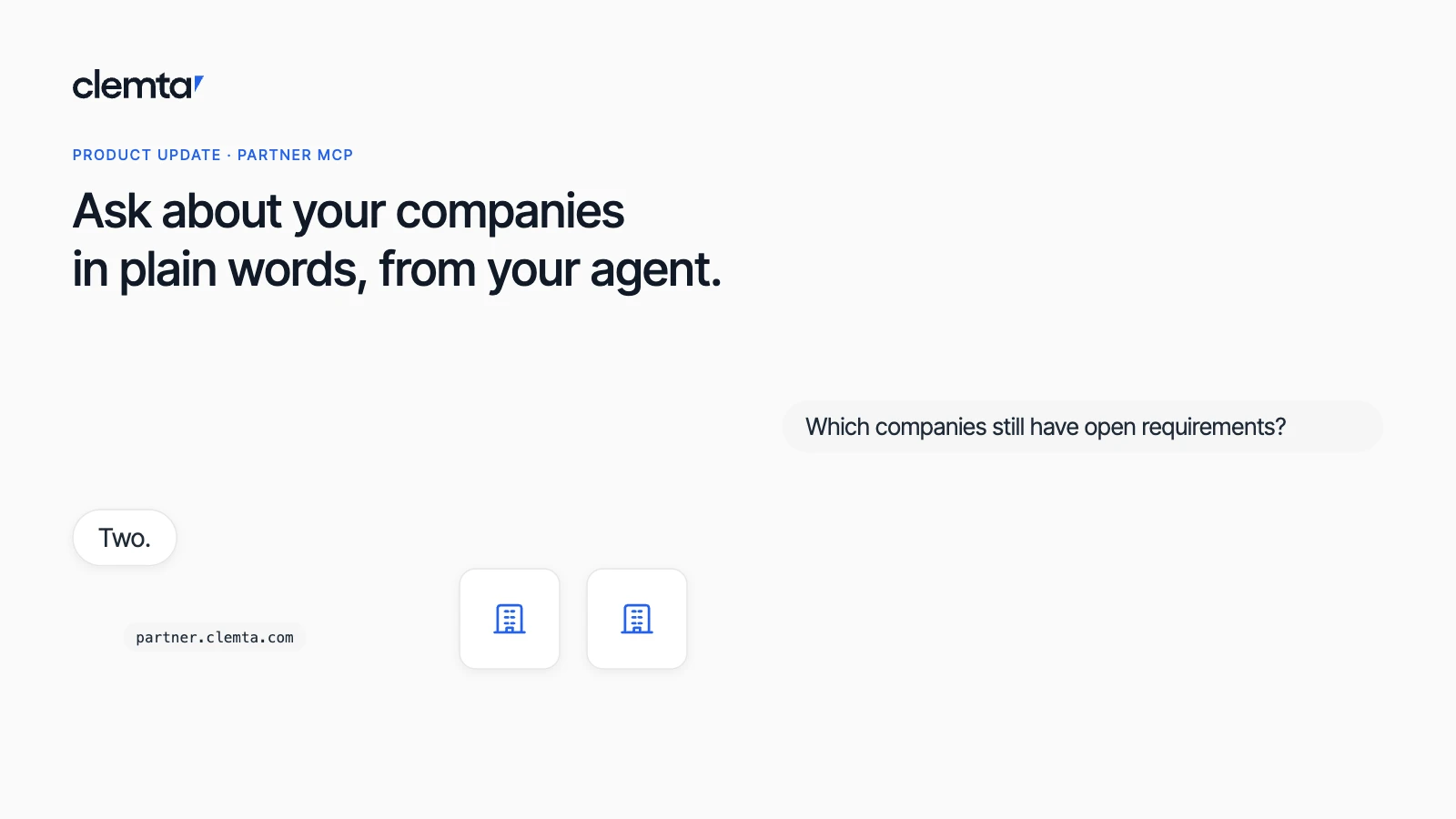
The agent picks the tool and fills in its inputs. Ask which companies still have open requirements and it calls list_companies and answers "Two: Vela Commerce LLC and Orion Freight Inc." Ask about the missing webhook and it reads the delivery log and tells you the delivery is pending its next attempt, not lost.
This is not the docs search server at docs.clemta.com/mcp, which searches the documentation and calls nothing. The Partner MCP server reads your data.
What the agent can look up

All tools are read-only. You don't need to know their names, but knowing what's available helps you ask better questions.
Group | Tools | What you can ask |
|---|---|---|
Companies and orders |
| Which mode am I in? Which companies are in a given status? Where is this company in formation? What was bought for it? What changed on our account today? What would a Delaware LLC with an EIN cost us? The price preview quotes the whole basket at your own rates, state fees included, and creates nothing. |
Billing |
| Can we still place orders? What did this client cost us? What have we been invoiced, and what is paid? What was our total each month? Which companies are behind a line such as "State Fee x50"? |
Webhooks and logs |
| Why didn't our endpoint receive this webhook? What exactly did Clemta send? Which of our requests failed since this morning? What did Clemta receive and answer for this request ID? Secrets come back as |
Everything else |
| For a company's tax filings, requirements, files or calendar, the agent searches the Partner API's read endpoints and runs the one it needs. Neither can change anything. |
Read-only by design

The server only reads. The agent cannot:
- create or update an account or a company;
- place, cancel or pay for a service order;
- submit or sign a tax filing, or fulfill a requirement;
- create, re-enable or delete a webhook endpoint;
- move a test company through sandbox stages.
For any of these, use the Partner API or the partner dashboard. What the agent sees is what your partner account sees: each connection covers all your companies in one mode, test or live. Use a test connection while you try things out. You never handle an API key. Clemta issues one behind the scenes for each connection, and it doesn't appear in your API key list.
Connect in three steps
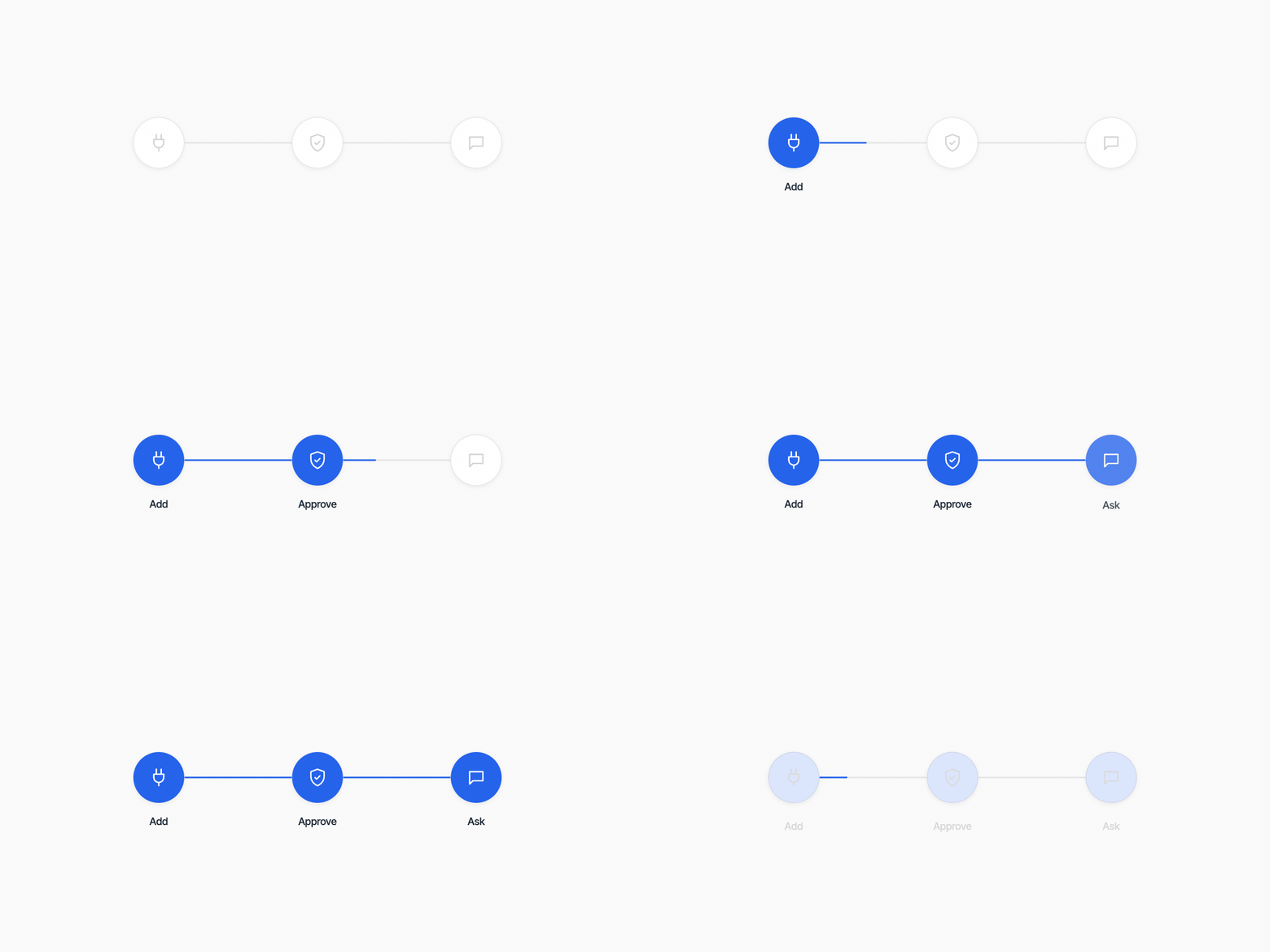
The server is at https://mcp.clemta.partners. There is no key to paste: the first time the client connects, it opens the partner dashboard in your browser, and you approve the connection there.
- Add the server to your client. In Claude Code it is one command,
claude mcp add --transport http clemta-partner https://mcp.clemta.partners, followed by/mcpand Authenticate. - Sign in and approve. Your client opens the partner dashboard. Sign in if you are not already, check which agent is asking, and approve. A connection is either test or live, never both.
- Ask. Start with "which mode am I in?". The agent tells you whether it is reading the sandbox or real data.
The Partner MCP docs have the steps for Claude, Claude Code, ChatGPT, Codex, Cursor, VS Code, Windsurf, Gemini CLI, Zed and Cline. Any client that speaks Streamable HTTP and OAuth connects with the address alone.
Connections you can see and revoke

Each approval creates an MCP connection in the partner dashboard. It shows which agent it is, when it was approved, which mode it uses and when it was last used. Every lookup shows in the dashboard's Logs, next to your integration's requests, so you can review your team's questions in the same place you trace API calls.
To revoke, delete the connection in the partner dashboard. The agent loses access on its next question and tells you the connection is no longer valid. Removing the server from your MCP client does not delete the connection; delete it in the dashboard too if you are done with it.
Partner MCP or Clemta MCP?

Two servers, two accounts. Clemta MCP at mcp.clemta.com is for founders and their own companies: it reads your Clemta account, drafts invoices for your review, and you sign in with your Clemta login. The Partner MCP server at mcp.clemta.partners is for partner operations teams: it reads every company your partner account formed, writes nothing, and you approve it in the partner dashboard. Neither sees the other's data.
The Partner MCP server complements the Partner API update. Your integration keeps writing through the API, and your team uses the agent to ask about the results.

Ask your agent about your companies
Connect your agent to the partner dashboard and start with: which mode am I in?

Yasmin Çınar
Product Manager at Clemta